
Programming guide
Program your card in under 2 minutes.
NFC Tools, your link, one tap. Reprogram anytime — no account required.
Watch first
90-second walkthrough
Three steps
How to program
-
Install
Get NFC Tools
Free on the App Store and Google Play.
-
Write
Paste your link
- Open NFC Tools
- Go to Write
- Add record → URL / URI
- Paste your full
https://link - Tap Write and hold phone near the card
-
Done
You're live
Your card is active. Tap it to share your link with anyone you meet.
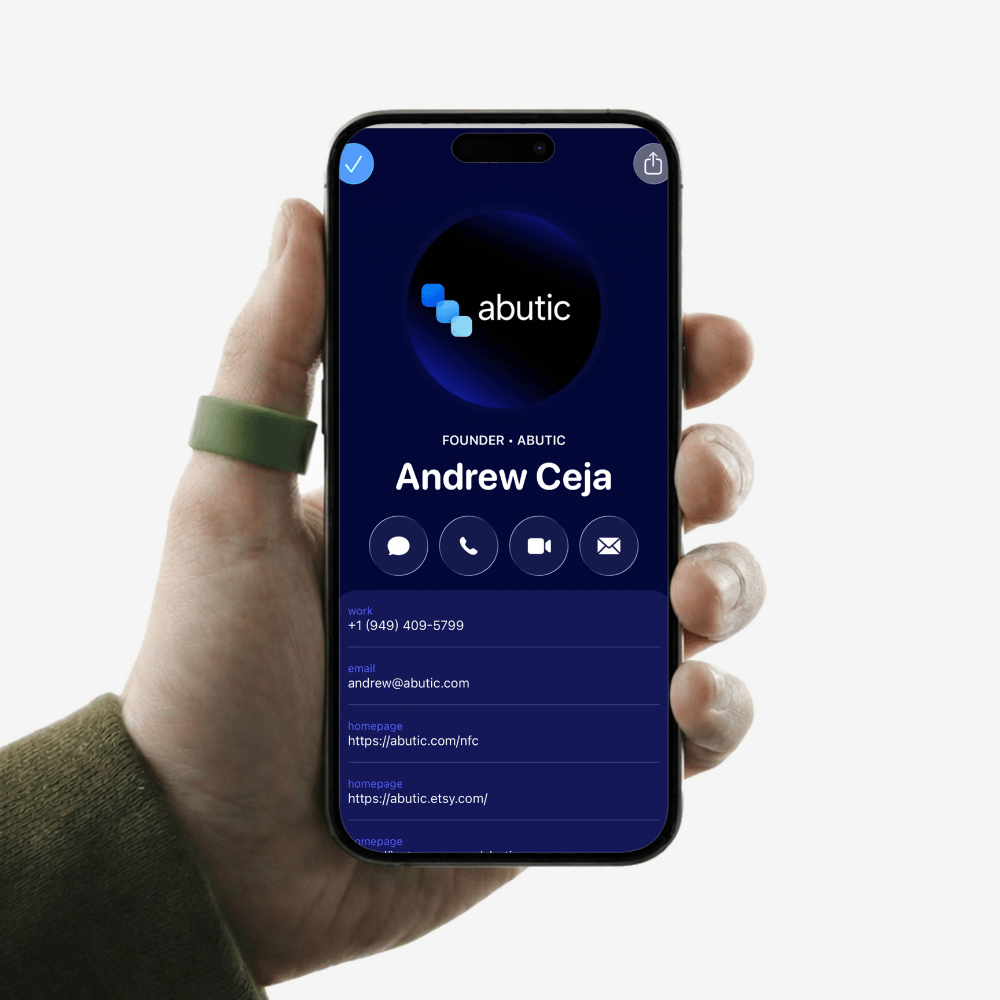
No link yet?
Start with a free vCard
Build in 2 minutes, then paste that URL in Step 2.
Open vCard Builder
Upgrade path
A branded profile goes further.
Custom URL, analytics, lead capture — update live without reprogramming.
- Custom profile & URL
- Real-time scan analytics
- Themes & layout control
Ideas
Where to send your card
Point your tap or QR anywhere.

Abutic Profile
Links & analytics

Professional profile
Grow followers

Calendly
Book meetings

vCard
Save to contacts

Custom URL
Any destination
Tips
Get the best scan every time
Supported devices
iPhone XS and newer, plus most Android phones from the last several years.
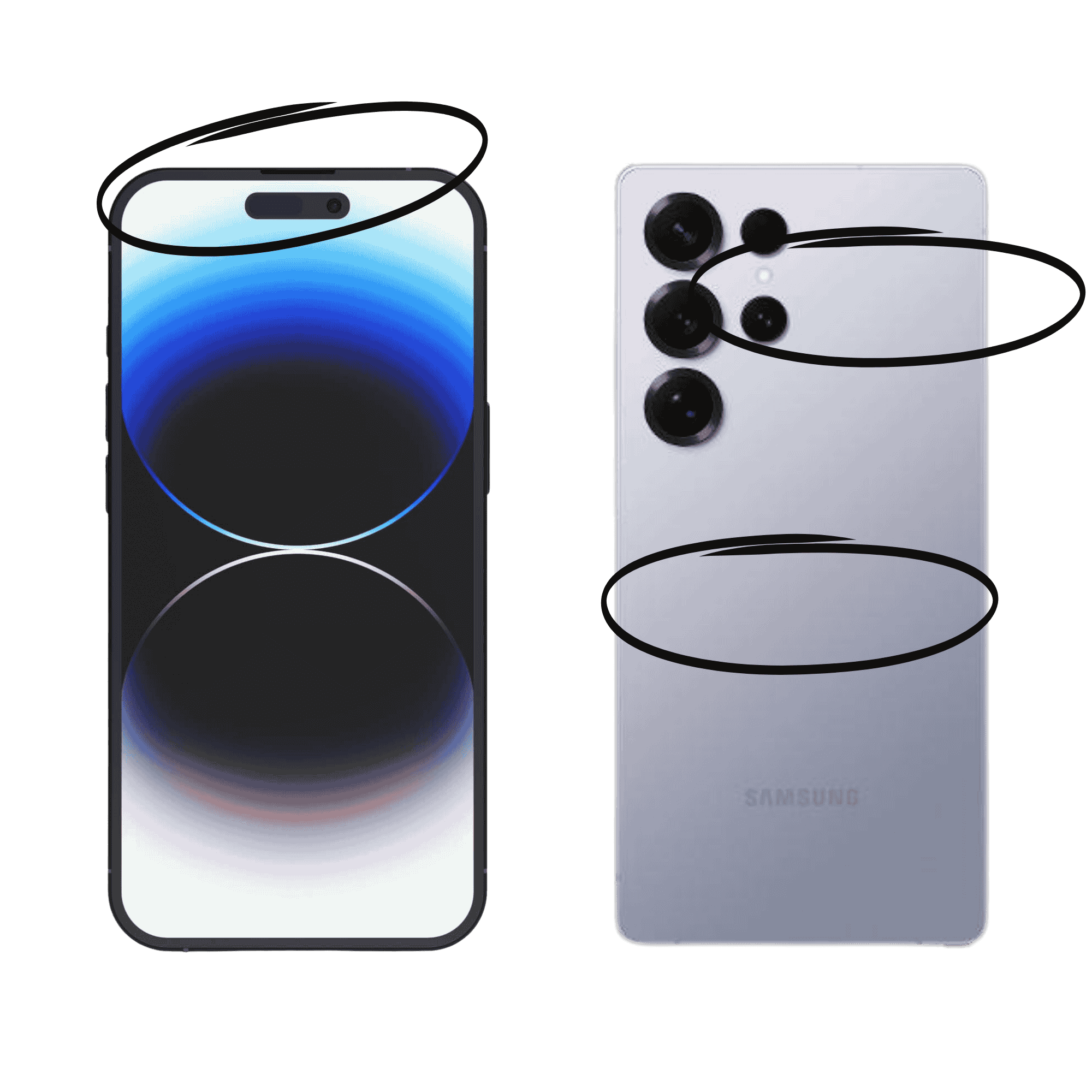
Where to tap
iPhone: top edge. Android: rear center or near the camera.
Updating your link
Abutic profiles update live. For other URLs, repeat steps 1–2.
FAQ
Common questions
Quick answers before you get stuck.
Do I need to reprogram when I update my info?
No. If your card points to an Abutic profile, updates apply instantly without reprogramming.
What phones work with NFC?
Most modern smartphones — iPhone XS and newer, and most Android devices from the last several years.
What if someone can't use NFC?
Many Abutic cards include a QR code fallback that opens the same link as a tap.
Does it work internationally?
Yes. NFC isn't region-locked — any phone with NFC and internet access will work.
Is a subscription required?
Basic NFC works without one. Abutic profiles unlock analytics, branding, and customization.
What if my card stops working?
NFC cards have no batteries and rarely fail. Our support team can help diagnose any issue.
Troubleshooting
Something not working?
Most issues resolve in seconds.
Phone isn't detecting the card
Enable NFC on Android. On iPhone, tap near the top. On Android, try the back center or camera area.
Works sometimes, not always
Thick, metal, or wallet cases can block NFC. Try removing the case and scanning again.
Opens the wrong link
Reopen NFC Tools and confirm the URL on the card. You can overwrite it anytime.
Tag detected but nothing opens
Make sure your link starts with https://. URLs without a protocol may not open correctly.
Privacy
Your card, your control
On the chip: only a web link — no personal data stored.
Tracking: no GPS or batteries. Analytics only if you opt in.
Change links: reprogram anytime, or update your profile.
Safety: short-range proximity — same as contactless pay.